
Start with ready-made hardware
Buy a supported commercial board, then install official Notificator firmware. The current option is Notificator Touch on the Waveshare ESP32-S3 Touch LCD 3.49.
See compatible hardware →Get a device
You can start with commercially available compatible hardware, wait for a finished community device, or build the Base reference from individual parts.
Three routes
Buy a supported commercial board, then install official Notificator firmware. The current option is Notificator Touch on the Waveshare ESP32-S3 Touch LCD 3.49.
See compatible hardware →We occasionally assemble complete devices and send them free of charge to randomly selected community members. Quantities and regions vary by batch.
How batches work →Use the ESP32-C3 Base reference, OLED, capacitive sensor, and a suitable enclosure for the most hands-on and adaptable route.
Open the build guide →Notificator Touch interface
These polished device renders recreate the current 0.9.3 Preview release Home and idle displays. The interface will keep evolving as Touch moves toward version 1.0.
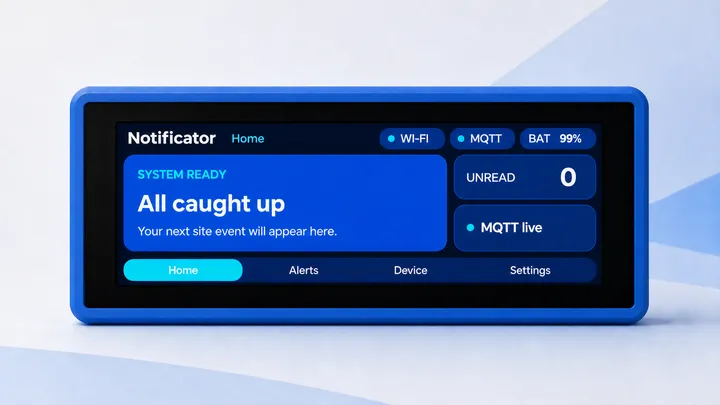
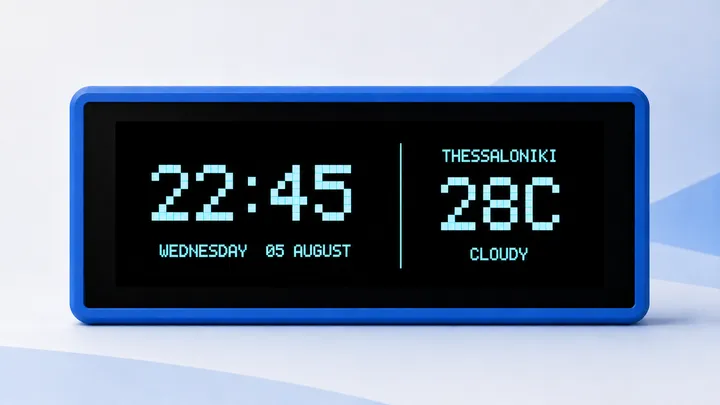
Compatible ready-made hardware
This route avoids soldering and enclosure work. You still install the firmware over USB and add your own Wi-Fi and HiveMQ Cloud details.
Runs Notificator Touch 0.9.1 Preview with a 3.49-inch capacitive display, clock, weather, alert history, audio, orientation, brightness, and volume controls.
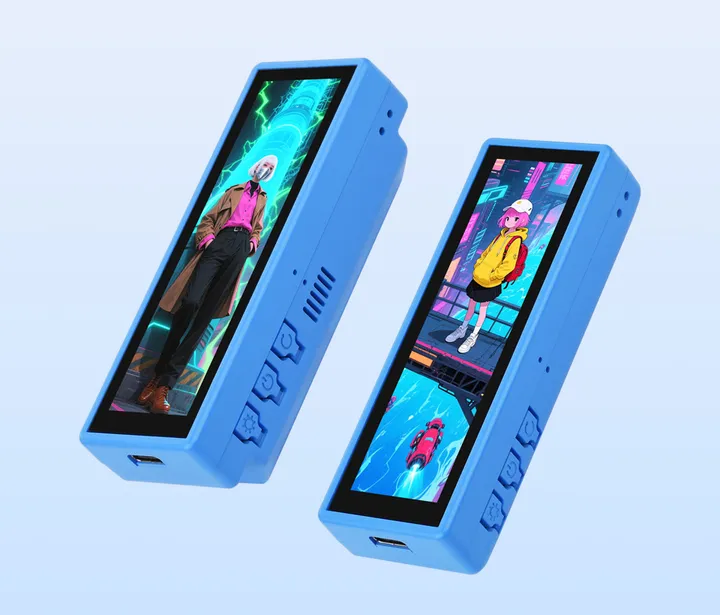
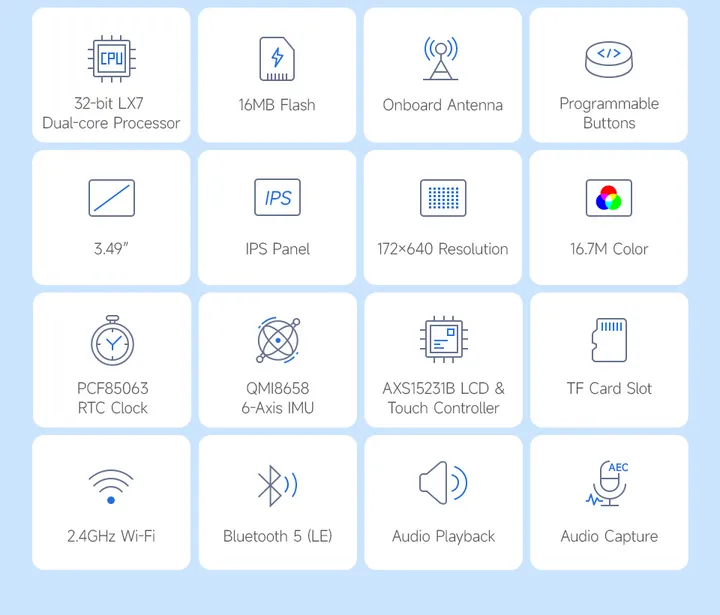
Hardware reference images © Waveshare, used with attribution from the official product page ↗.
The hardware link is informational, not an affiliate link. Availability, price, shipping, warranty, and product revisions are controlled by the manufacturer or retailer.
Finished community devices
We print, assemble, flash, and test limited Base devices, then announce a random community selection. These are not permanent stock and cannot be ordered on demand.
A ready-to-configure device assembled and tested by the project.
The device is free. Any geographic limits or delivery conditions are stated before entries open.
Follow the Journal, X, or YouTube. Each batch announcement explains dates, quantity, eligibility, and selection.
More devices over time
We plan to support more readily available devices. A board appears here only after its display, controls, storage, networking, and recovery path have been tested with a dedicated firmware identity.
Similar-looking hardware is not automatically compatible. Check the exact model and revision against the firmware catalog before buying or flashing it.
Follow firmware compatibility updates →